GitAuto Logo
  1. Home
  2. Pricing
  3. Docs
  4. Dashboard
  5. Blog
  6. Contact
  1. Home
  2. How It Works
  3. Use Cases
  4. Pricing
  5. Docs
  6. Dashboard
  7. FAQ
  8. Blog
  9. Contact

Installing GitAuto

GitAuto helps engineering teams automatically create unit tests for their code without assigning human developers to the task.

1

Install the GitAuto GitHub App
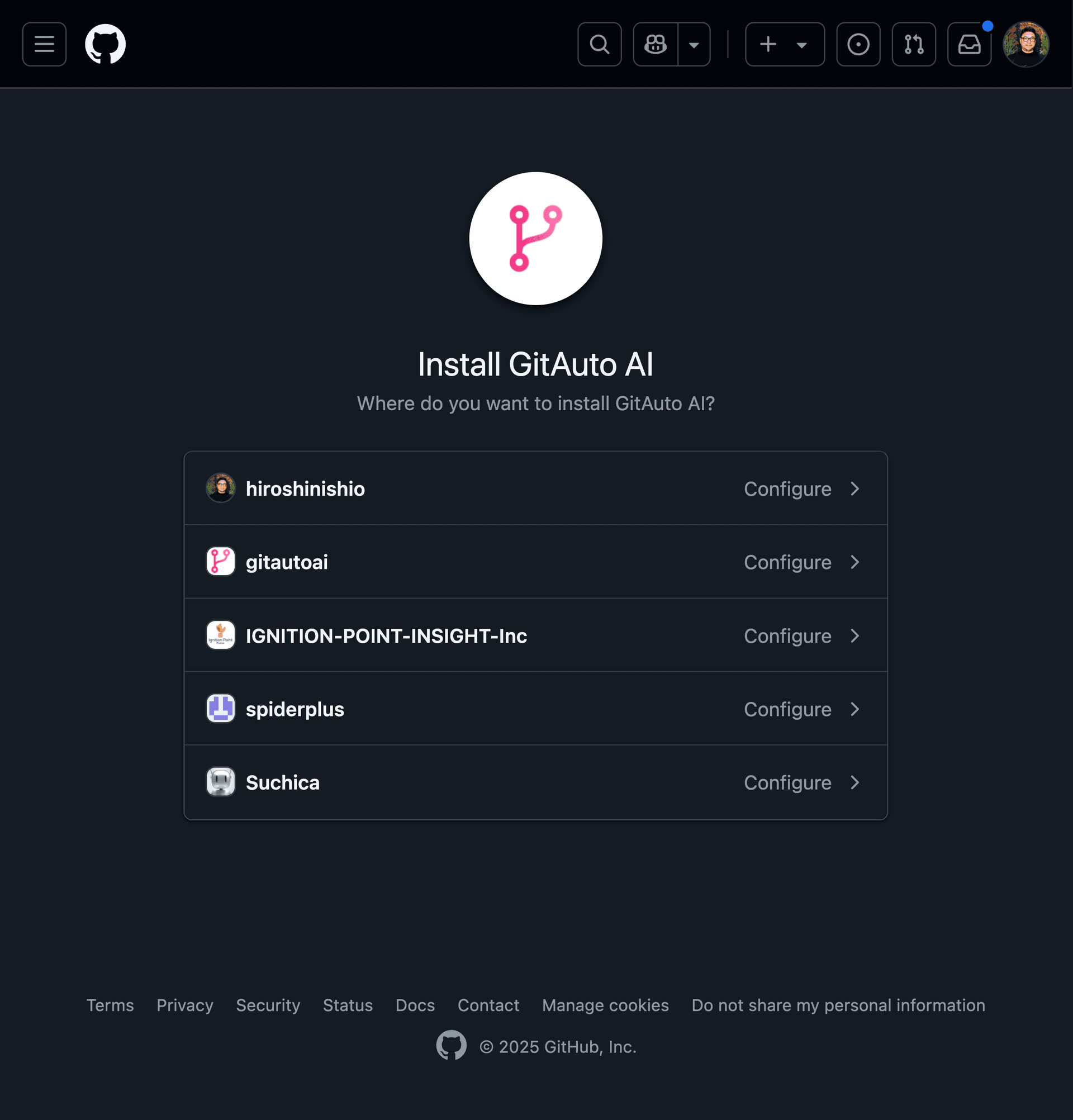
Screenshot of the GitHub App installation page showing repository selection options

Visit the GitHub Marketplace and install GitAuto to your organization or selected repositories.

Install GitAuto GitHub App
2

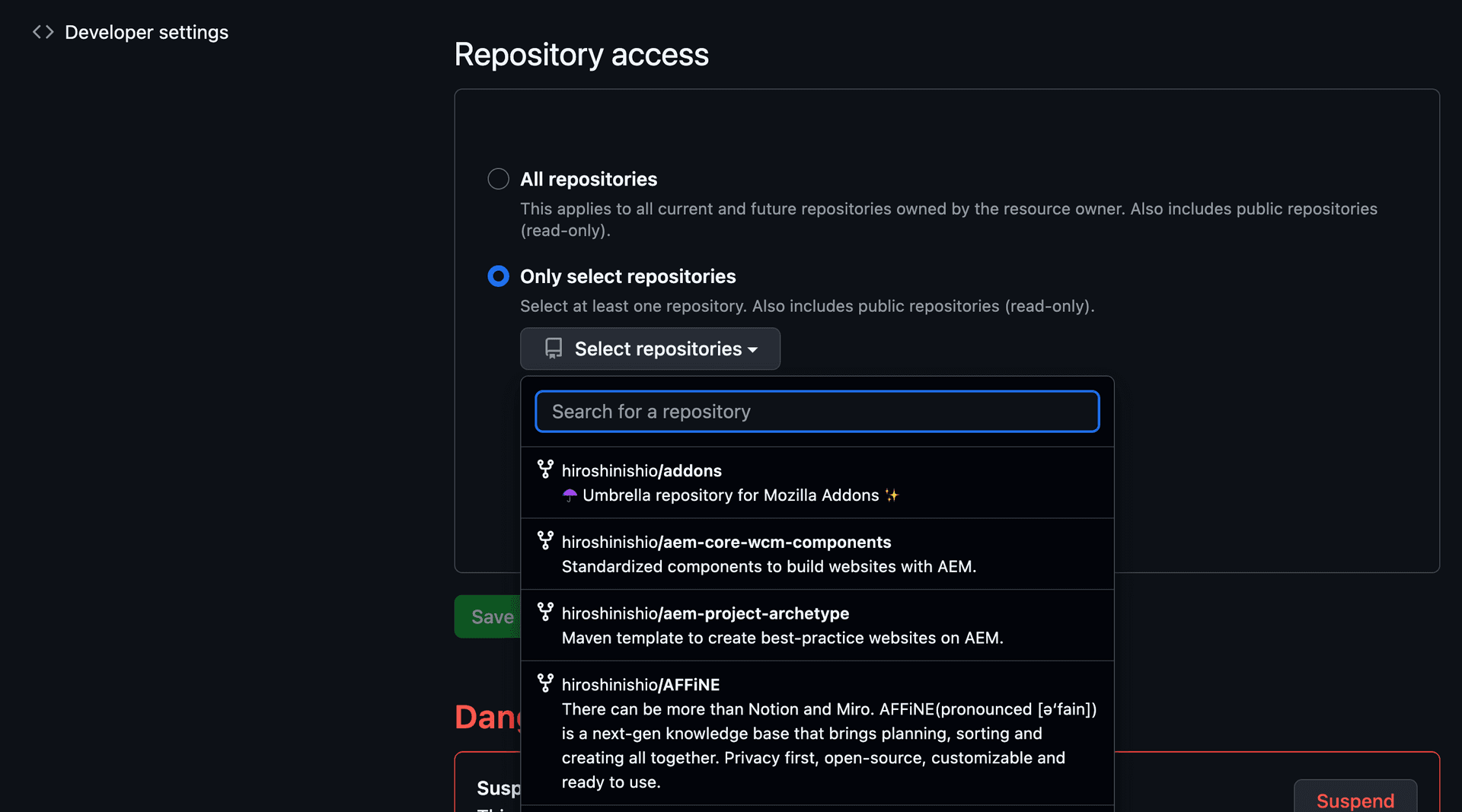
Configure repository access

Screenshot showing how to configure repository access for GitAuto

Select which repositories you want GitAuto to have access to. You can choose all repositories or select specific ones.

Installation Hiccups?

Sometimes GitHub Apps can be finicky about permissions, or repositories don't show up where they should. Don't spend hours troubleshooting. We can usually spot the issue in minutes!

Contact us and get you up and running fast!

Setup

Getting Started

  • Installation
  • Setup

Triggers

  • Overview
  • Schedule Trigger
  • Test Failure Trigger
  • Review Comment Trigger
  • Dashboard Trigger

Coverage Dashboard

  • Overview
  • Python Testing
  • JavaScript Testing
  • Java Testing
  • Go Testing
  • PHP Testing
  • Ruby Testing
  • Flutter Testing
  • Multi-Language
  • Coverage Charts

Customization

  • Repository Rules
  • Output Language
  • GITAUTO.md

Integrations

  • CircleCI Integration
  • npm Integration

How It Works

Context Enrichment

  • Line Numbers
  • Full File Reads
  • Test File Preloading
  • Test Naming Detection
  • Error Baselines
  • CI Log Cleaning
  • Trigger-Specific Prompts
  • Coding Standards

Output Auto-Correction

  • Diff Hunk Repair
  • Diff Prefix Repair
  • Tool Name Correction
  • Tool Argument Correction
  • Import Sorting
  • Trailing Space Removal
  • Final Newline
  • Line Ending Preservation
  • Sanitize Tool Arguments
  • Lint Disable Headers

Quality Verification

  • Formatting
  • Linting
  • Type Checking
  • Test Execution
  • Coverage Enforcement
  • phpcs / phpstan Support
  • PHPUnit Support
  • pytest Support
  • Snapshot Auto-Update
  • Untestable Detection
  • Should-Skip Detection
  • Dead Code Removal
  • Quality Check Scoring
  • Quality Checklist

Safety Guardrails

  • File Edit Restrictions
  • Temperature Zero
  • PR/Branch Checks
  • Race Condition Prevention
  • Bot Loop Prevention
  • Webhook Deduplication
  • Duplicate Error Hashing
  • Infrastructure Failure Detection
  • Strict Tool Schemas
  • No-Change Detection

Token/Cost Management

  • Token Trimming
  • Outdated Diff Removal
  • Stale File Replacement
  • Skip CI Intermediate
  • CI Log Deduplication
  • Web Fetch Summarization
  • Context Forgetting
  • File Query Routing
  • On-Demand Diff

Resilience & Recovery

  • Model Fallback
  • Overload Retry
  • Forced Verification
  • Error Files Editable

Hallucination Prevention

  • Web Search
  • URL Fetching
  • Anti-Hallucination Prompts
  • GITAUTO.md Restrictions
  • Review Response Guardrails

Ready to improve your test coverage?

Go from 0% to 90% test coverage with GitAuto. Start for free, no credit card required.

Install FreeContact Sales

Product

  • Home
  • Why GitAuto
  • What GitAuto Does
  • How It Works
  • Use Cases
  • How to Get Started
  • Solution
  • Pricing
  • Pricing Details
  • ROI Calculator
  • ROI Methodology
  • FAQ
  • Blog
  • Contact

Dashboard

  • Dashboard
  • Coverage Trends
  • File Coverage
  • Credits
  • Open PRs
  • Usage
  • Triggers
  • Actions
  • References
  • Rules
  • CircleCI Integration
  • npm Integration

Documentation

  • Docs
  • Getting Started
  • Setup
  • Triggers
  • Coverage Setup
  • Customization
  • How It Works
  • Auto Merge
  • CircleCI
  • npm

Legal

  • Privacy Policy
  • Terms of Service

Connect

  • GitHub
  • LinkedIn
  • Twitter
  • YouTube
GitAuto Logo© 2026 GitAuto, Inc. All Rights Reserved